Independent Project
First Step AI
An AI onboarding agent that walks e-commerce sellers through 4 questions and delivers a personalized automation recommendation. Built in 6 weeks with 4 Anthropic certifications.
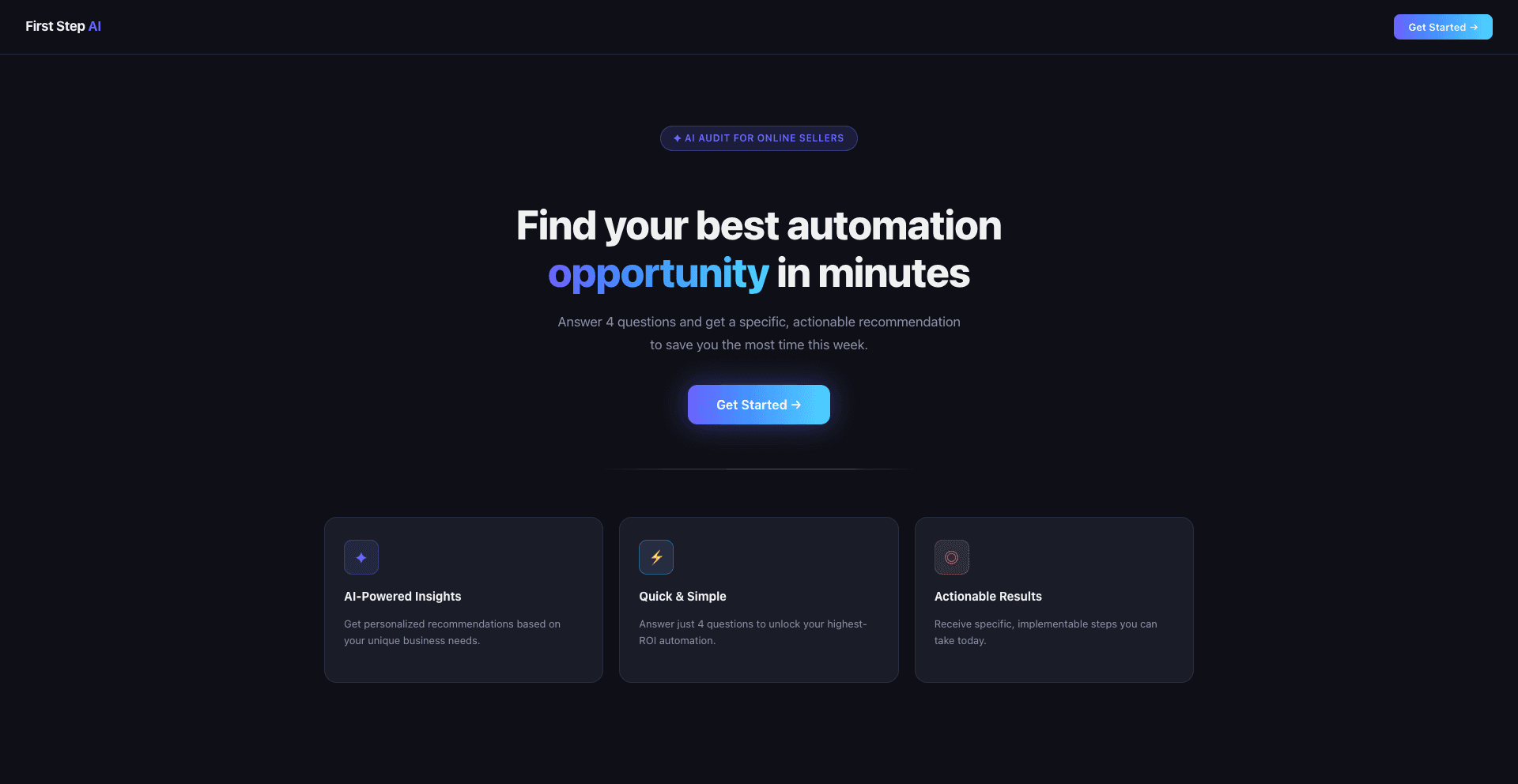
Try First Step AI →Find your best automation opportunity in minutes
Answer 4 questions and get a specific, actionable recommendation to save you the most time this week.
AI-Powered Insights
Personalized to your store
Quick & Simple
Just 4 questions
Actionable Results
Steps you can take today
The problem
82% of small businesses think AI doesn't apply to them.
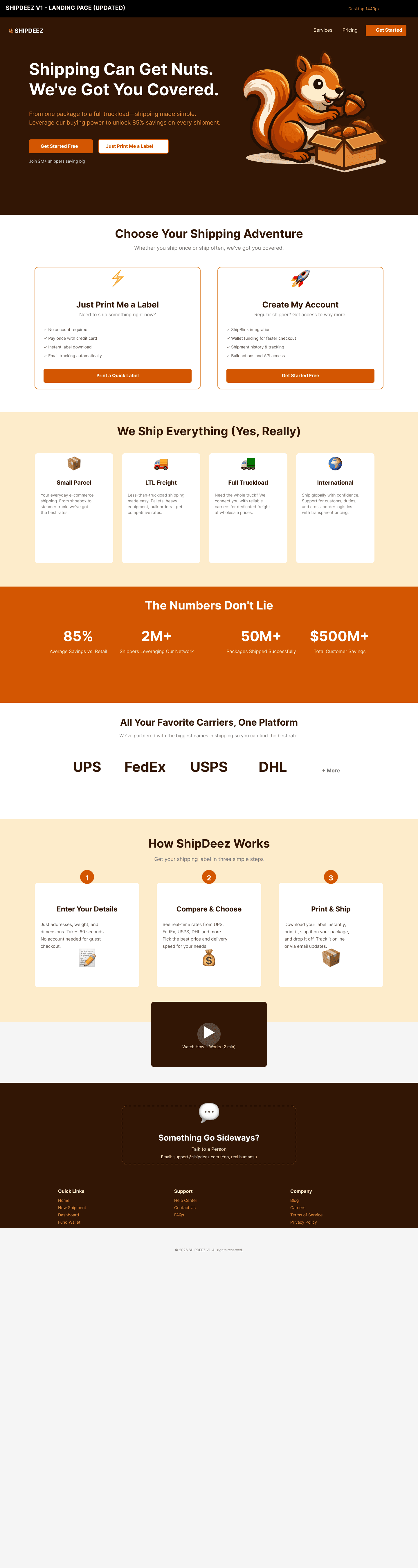
That number stopped me. I was working on ShipDeez, a B2B shipping platform for e-commerce sellers, when I kept hearing the same thing from small store owners. They knew AI existed. They had tried ChatGPT once. Nothing changed. The problem was not awareness. It was the gap between knowing AI could help and knowing exactly what to do about it. No one was building the translation layer.
THE CONFUSION
Which tool do I even start with? Sellers faced dozens of AI options with no clear way to evaluate which one fit their specific situation.
THE FEAR
What if I spend money on the wrong thing? Without a trusted guide, the risk of a bad investment felt higher than the cost of doing nothing.
THE TIME PROBLEM
I don't have hours to figure this out. Solo Shopify, Etsy, and WooCommerce sellers running fulfillment, customer service, and marketing simultaneously have no margin for trial and error.
The product
What it actually recommends
First Step AI maps each seller's answers to one of several automation categories, then recommends the specific tool best suited to their situation.
Customer support automation
For sellers spending hours answering the same questions. Tools like Tidio handle shipping status, returns, and FAQs automatically.
Abandoned cart recovery
For sellers losing revenue at checkout. Email sequences that recover 5-15% of abandoned carts with no manual effort.
Review generation
For sellers with low review counts hurting their store ranking. Automated post-purchase sequences that turn happy customers into reviewers.
Shipping cost optimization
For sellers overpaying on postage. Rate comparison tools that identify the cheapest carrier for each order type automatically.
Answer 4 questions. Get a specific action plan.
- ✓One specific tool recommendation
- ✓3 setup steps you can do today
- ✓Time savings estimate and monthly cost
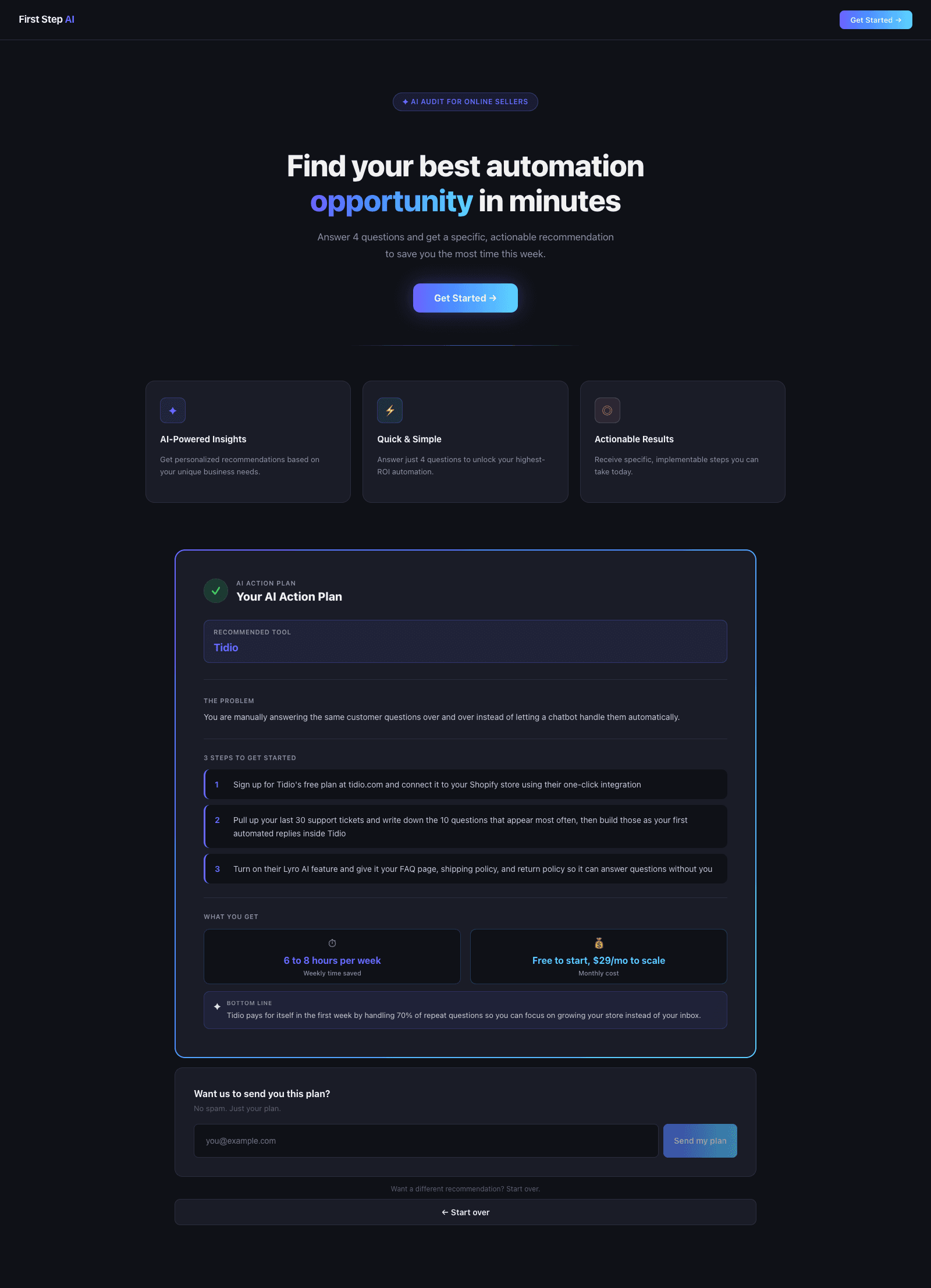
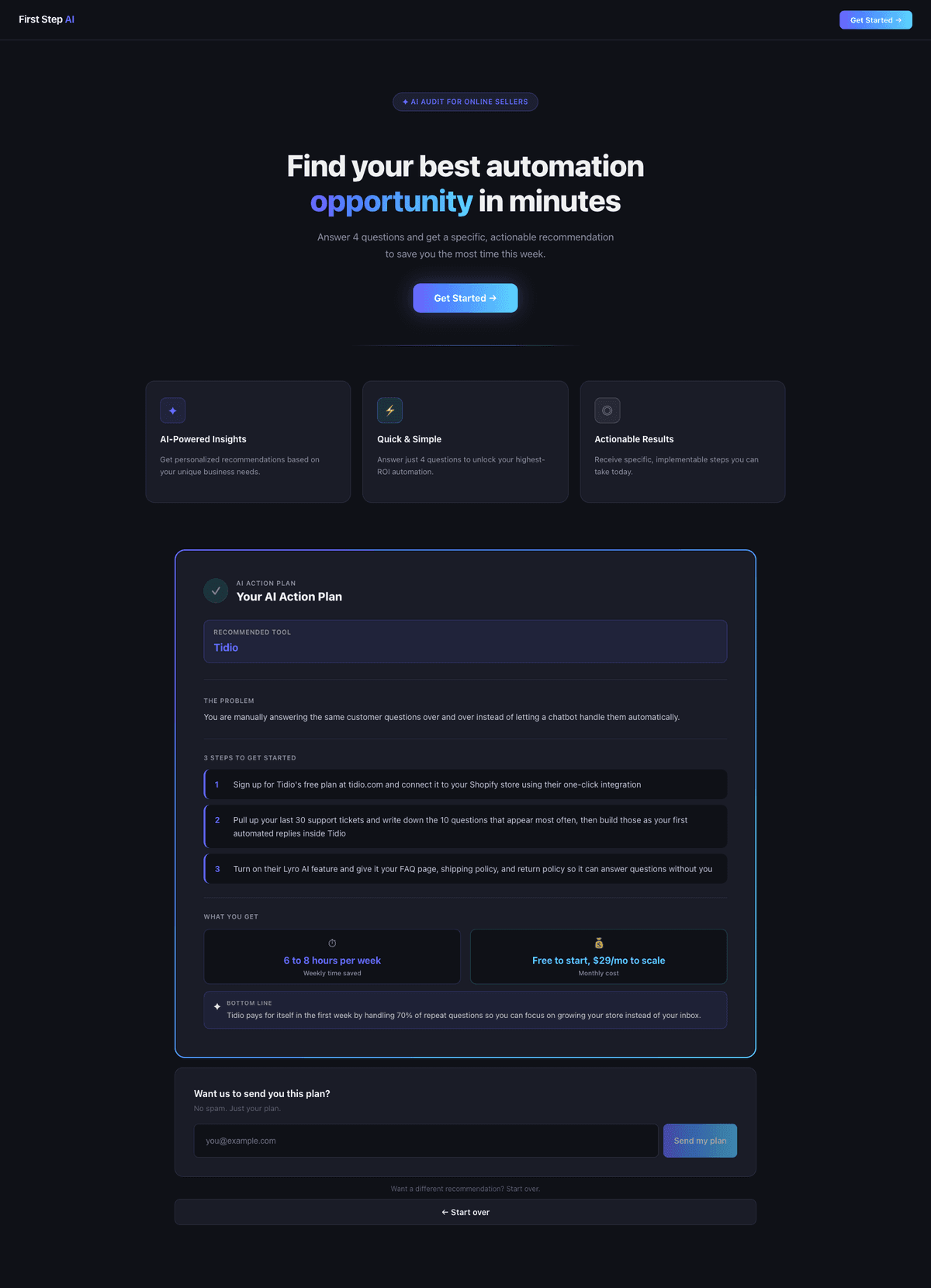
Example output
RECOMMENDED TOOL
Tidio
THE PROBLEM
You are manually answering the same customer questions instead of letting a chatbot handle them automatically.
3 STEPS TO GET STARTED
- Sign up at tidio.com and connect to your Shopify, Etsy, or WooCommerce store in under 10 minutes
- Use their pre-built FAQ templates to answer your top 5 repeated questions automatically
- Turn on Lyro AI to handle questions in your store's voice around the clock
6 to 8 hours
Weekly time saved
Free to start
$29/mo to scale
How I designed it
Discovery
The target user was the solo Shopify, Etsy, or WooCommerce seller doing 50-500 orders a month, running operations largely alone. I came to this project through two lenses: market research showing 82% of small businesses believe AI does not apply to them, and direct exposure to e-commerce operators through my freelance work on ShipDeez, a B2B shipping platform. The pattern was consistent. Sellers knew AI existed. They had tried something once. Nothing stuck. The problem was not the tools. It was the absence of a trusted, plain-language starting point.
Define
The core product decision came from that insight. Every competitor gives sellers a list of AI tools to explore. First Step AI gives them one specific thing to do today. One tool. Three steps. A time savings estimate. A cost. That constraint shaped every downstream design decision from the intake questions to the output format to the system prompt.
The biggest design decision
6 fields, all visible at once
Cognitive overload before engagement
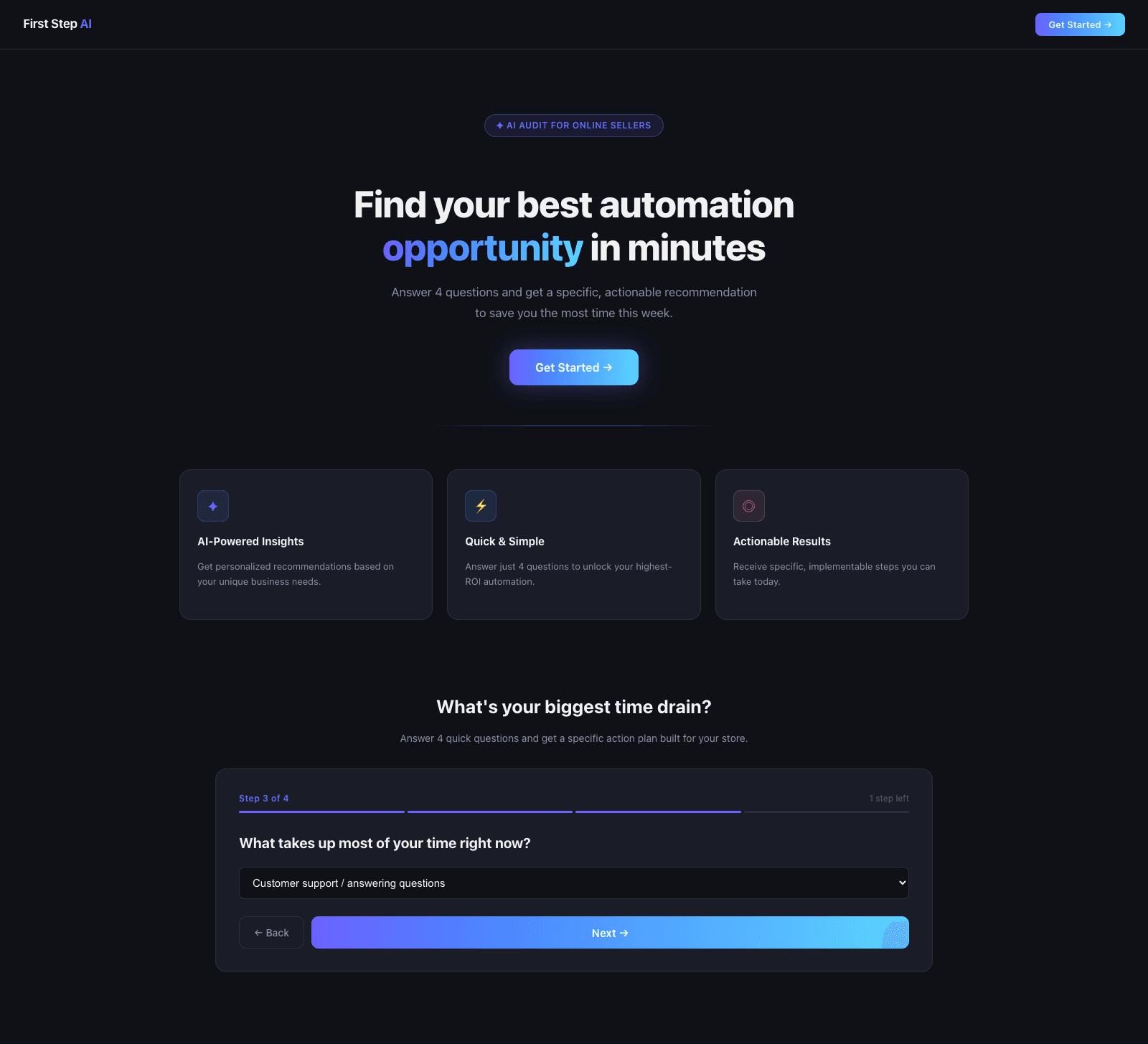
4 questions, one at a time
What platform are you selling on?
Progress visible, end in sight
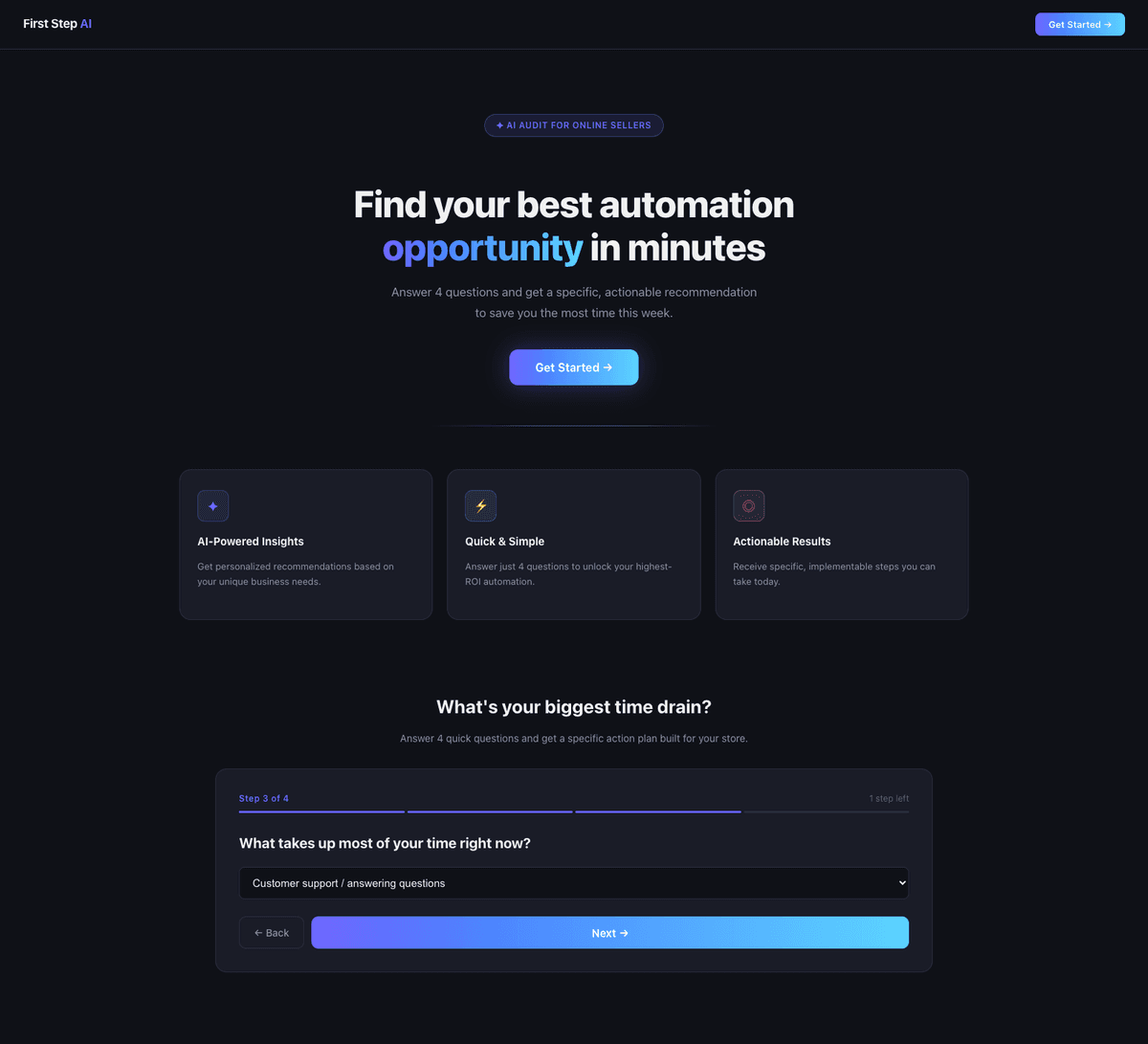
One question at a time with visible progress
Removing business name and email from the intake reduced it from 6 fields to 4 questions. Moving email capture to after the recommendation, when value has already been delivered, produced a higher-quality list. Both decisions came from the same principle: earn trust before asking for anything.
How I built it
Built with React and the Claude API, deployed on Vercel, with one significant architectural challenge to solve.
The CORS problem
Browsers block direct API calls to Anthropic for security reasons. The fix was a Vercel serverless function that proxies requests server-side, keeping the API key out of the browser bundle entirely. Local dev uses an Express proxy on port 3001; production uses the Vercel function automatically.
The system prompt as a design spec
Every constraint is a UX decision.
“Prompt engineering is product design.”
Key decisions
| Started with | Changed to | Because |
|---|---|---|
| 4 questions, one at a time | Lower cognitive load | |
| Email after recommendation | Value before ask | |
| One specific tool | Removes decision fatigue | |
| "Free" removed | Avoids zero anchoring | |
| Vercel serverless proxy | Key stays server-side | |
| Constrained output | Consistent results |
What I learned
01
Prompt engineering is product design
Writing the system prompt was identical to writing a design spec. Every constraint shaped the user experience. The iteration process was no different from any other design work.
02
Ship early, learn from reality
A working product on Vercel surfaced problems no prototype would catch: CORS errors, API key exposure, and port conflicts. Shipping fast is a research method.
03
Build and learn simultaneously
Completing 4 Anthropic certifications while building meant every concept was applied the same day. Learning was faster, the build was better.
Results
Shipped
Live product deployed to Vercel. Working end to end: intake, Claude API call, personalized recommendation, email capture.
Certified
4 Anthropic Skilljar certifications earned alongside the build: Claude 101, Claude Code in Action, Agent Skills, Building with the Claude API.
Foundation set
Supabase integration, email sending via Resend, and expanded pattern library identified as next milestones.
The full experience